
Pay a Municipal Court Ticket on myWyco
You can now submit payments for Municipal Court Tickets on myWyco. Log in (see Create a Profile on myWyco) and follow the steps below to get started:
- Select Municipal Court from the "Services" drop down menu
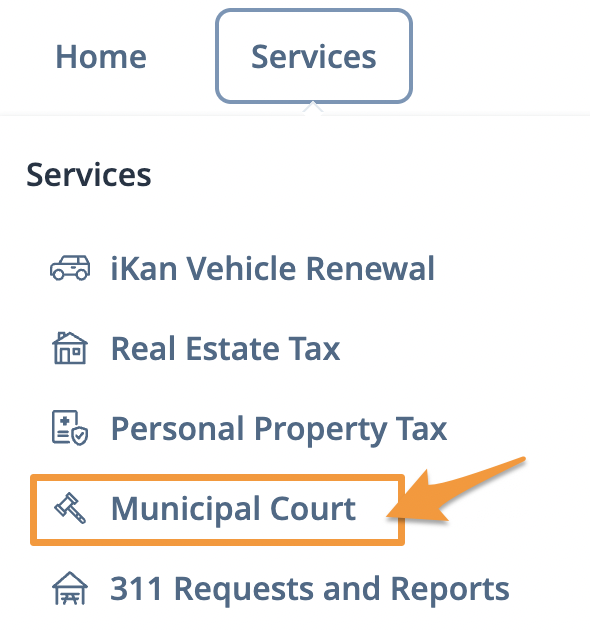
- Click Find a Ticket then select a search option

- Enter the required details to locate your case/ticket and click Submit
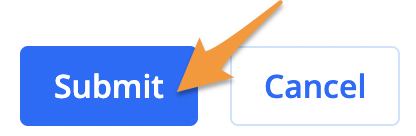
- The result(s) of your search will be displayed. Select the correct ticket then click Submit. If something does not look right, click Cancel.
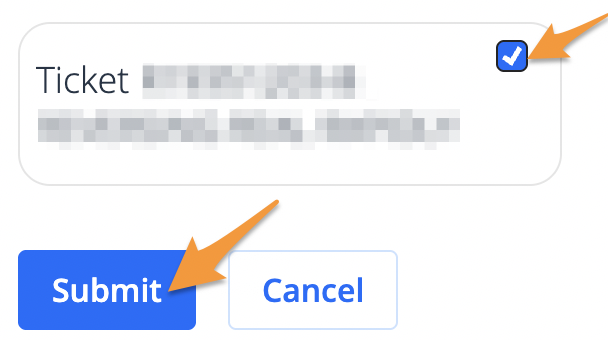
- Click Pay

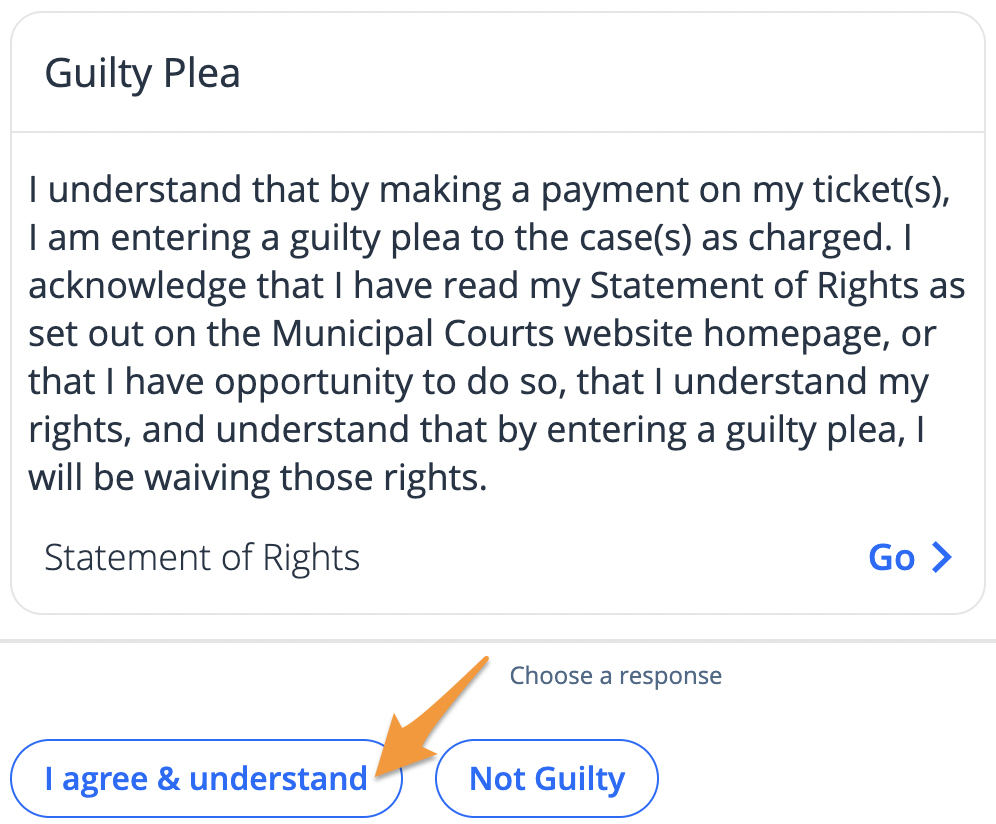
6.Review the Statement of Rights then click I agree & understand to plead guilty
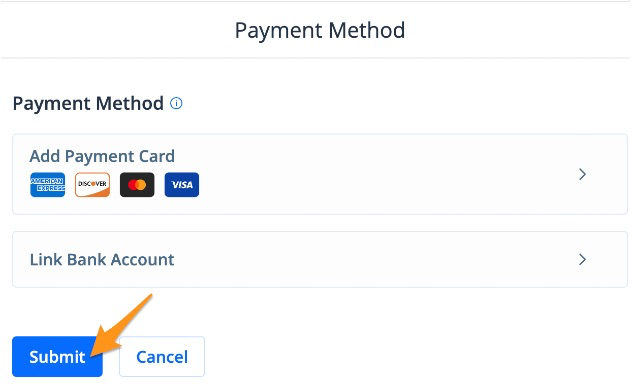
- Select a payment method and click Submit
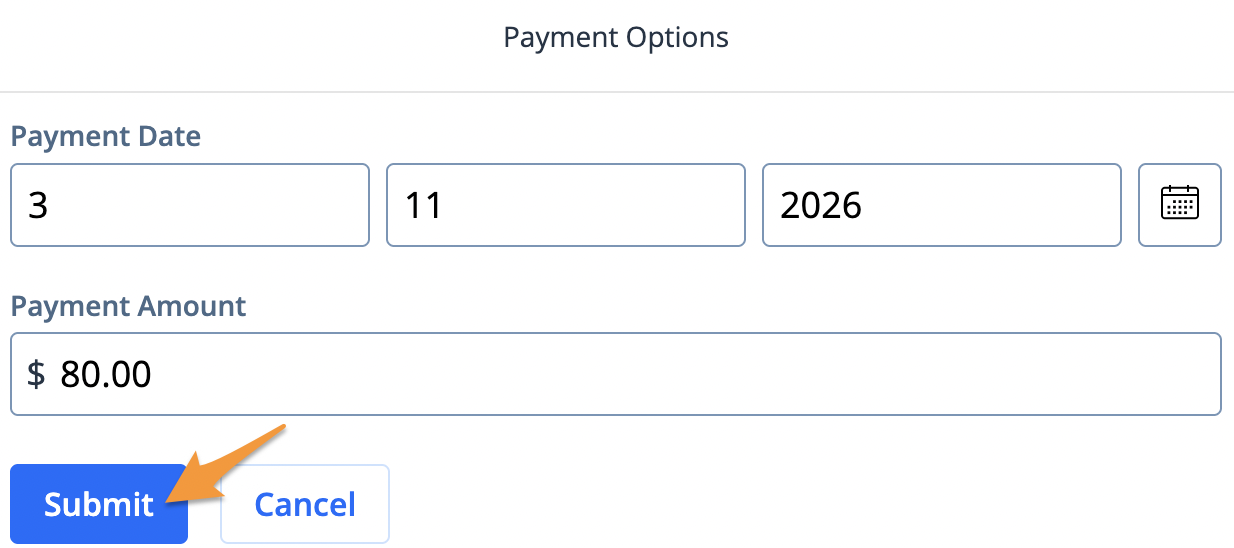
- Select a payment date, enter your preferred payment amount and click Submit
- Enter your Contact Information and Address details then click Save
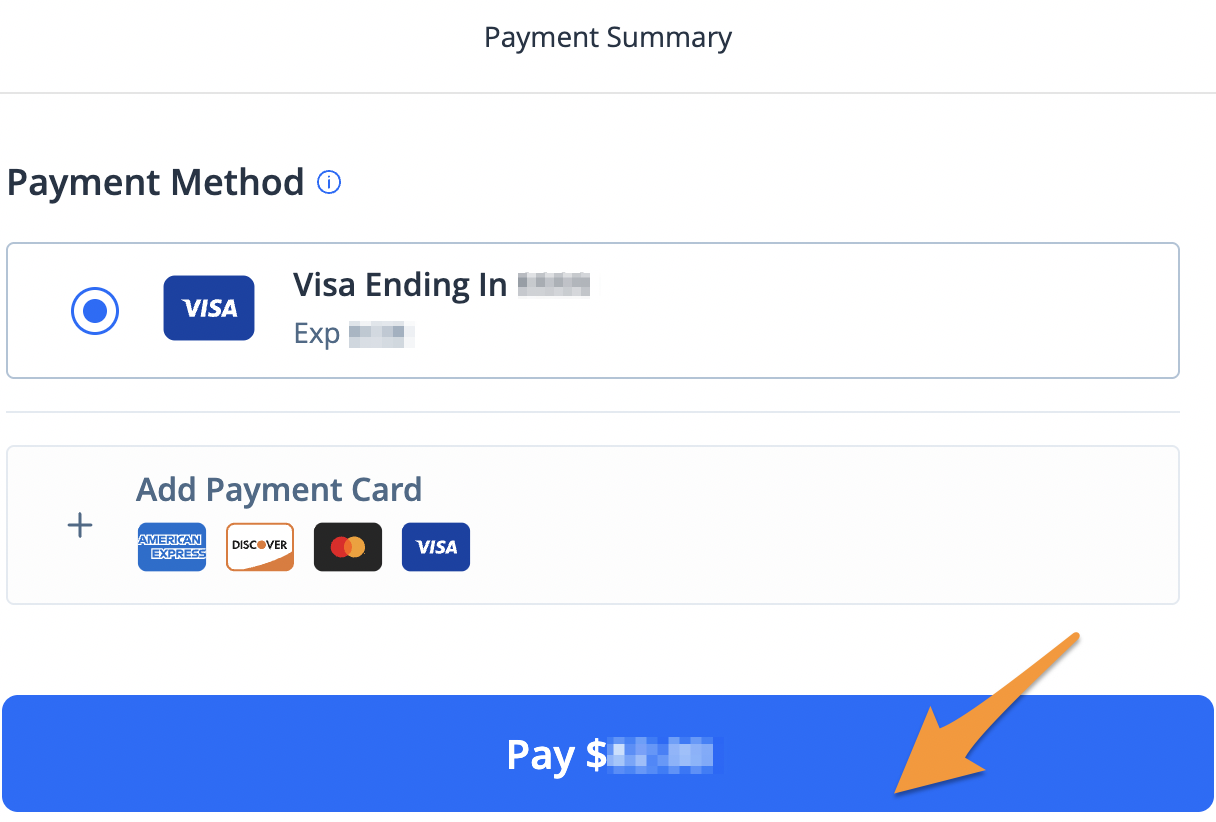
- Scroll down to review your payment summary and click the blue Pay $--.-- button to complete your payment
When your payment is complete, you’ll receive an email confirmation. A receipt will also be saved to your myWyco profile for future reference (see Find a Receipt on myWyco).